
JMV Indoor Blog
How to use digital Indoor TV to sell more at the point of sale — practical tips, real cases and news for retail.

Indoor TV for pizzerias: what to sell on screen while the pizza bakes
The table waits 30 to 40 minutes for the oven. What the screen shows at each moment: the fancy pizza name before ordering, drinks and kids' drinks, the preparation video, dessert pizza and your own delivery.
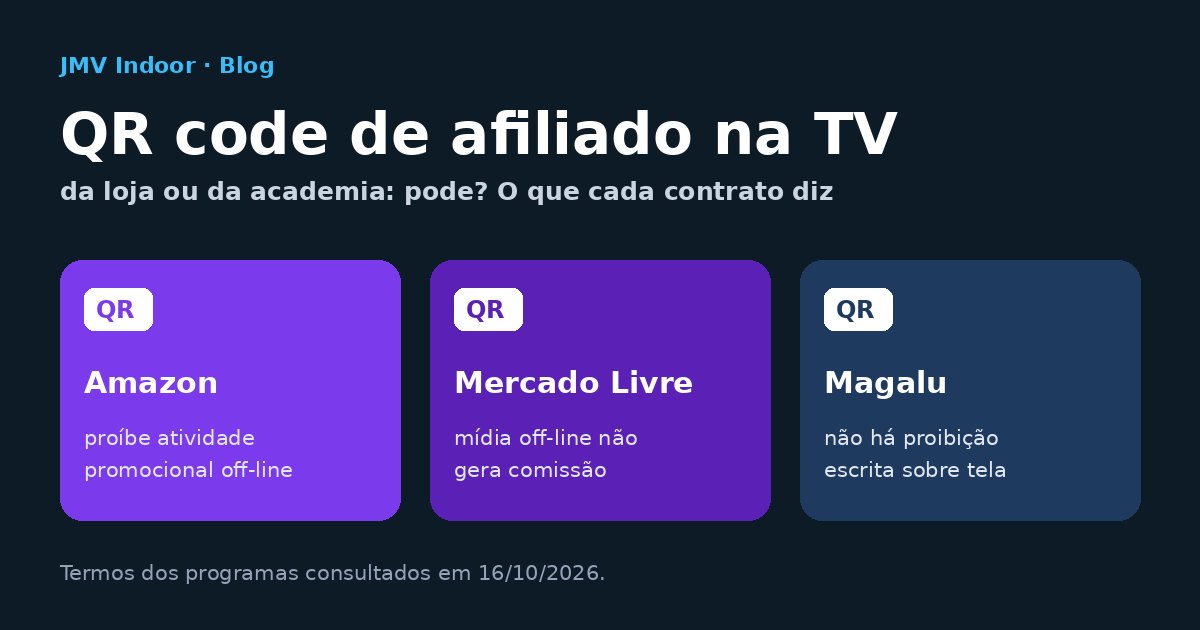
Affiliate QR code on your store or gym TV: is it allowed? What each program says
Amazon Brazil bans offline promotion, Mercado Livre pays no commission on offline media and Magalu says nothing about screens. Each contract's text, the last click and the commission math against the monthly fee.

Indoor TV with no monthly fee: the 3 models sold under that name and the math for each
"No monthly fee" is rarely a one-time payment: it is an annual license per screen, a lifetime license or free use with mandatory ads. The 2-to-3-year math and 8 questions to ask before signing.

Indoor TV for clothing stores: the fitting room that shows the full look (and what the screen may say about store credit and Pix)
The mannequin piece sells out first, and there is no room for a mannequin per piece. A screen by the fitting room does that job — and when it advertises store credit or a Pix discount, Brazilian law applies.

Indoor TV, indoor media or digital signage: what is the difference (and what you actually need to buy)
Four names for the same three parts. The map of the terms, the warranty table that separates a home TV from a signage display and the 4 questions to ask a supplier.

Satisfaction survey on the store TV: a QR code per department — and why a reward is allowed here
A Google review and an internal survey are two pieces with opposite rules. What to ask in each department, the simple reward, the prize draw that needs authorisation and data protection.

Web TV or Indoor TV: what the difference is and which one you need to get
Same technology and, at JMV, the same system. The one-question test that decides which one to get, what changes in the content and the honest caveat about audience.

What can air on an aesthetic clinic TV: Brazil's CFM rules, item by item
Before-and-after is not banned — it is conditioned, and the conditions dismantle the sales piece. The rule applied to the waiting room screen, with card specs, timing and an approval checklist.

Go live on Indoor TV: the announcement that reaches every store screen within the same minute
The playlist pauses, someone goes live from a phone and the schedule comes back on its own. What the feature is, which plan has it and the three limits: delay, bandwidth and sound.
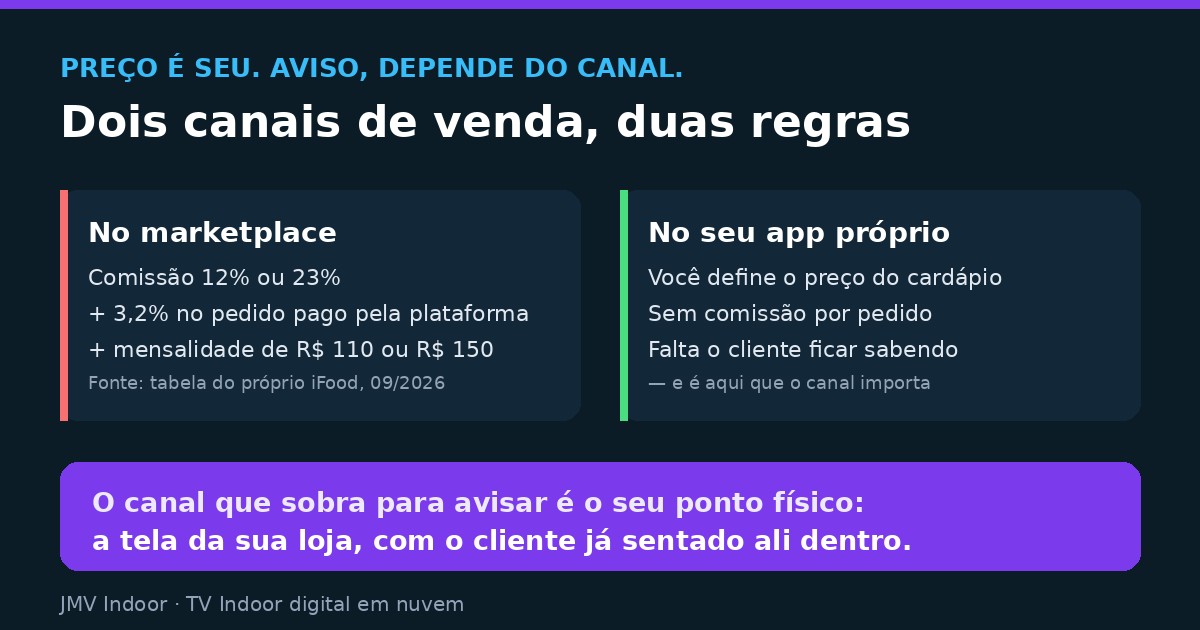
Can I sell cheaper on my own app than on the delivery marketplace — and say so inside my store?
The price is yours; the announcement depends on the channel. The three-part commission math, the parity clause to look for in your contract, and what the store screen can do.

Does a TV on in your store owe Ecad? Yes — and Ecad is only half the bill
The Ecad receipt settles the soap opera's soundtrack, not the soap opera. The two authorisations a switched-on screen triggers in Brazil, article by article.
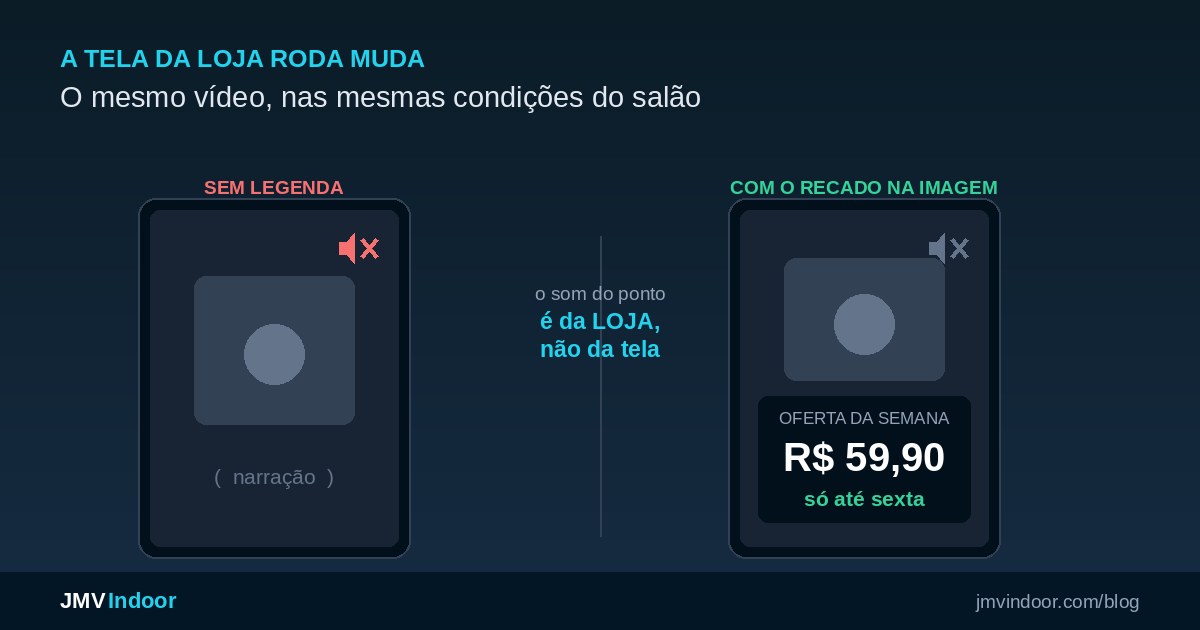
Muted video on indoor TV: why the screen in your store needs captions
The room owns the sound, not the screen. When audio actively hurts the sale, burned-in captions vs player text across a screen network, and what to show when there is no video.

Visual management on the factory floor: getting the message to people who never open email
Playlists per shift, an owner for every content type with safety override, where not to install screens and the honest limit between communication and a live dashboard.

Employee photo on company TV: what Brazil's LGPD requires before the birthday message goes on screen
The two lawful bases, why employee consent is fragile, and how to pull a piece off every screen the same day someone withdraws it.

Price on the store screen: what a supermarket takes on when it swaps paper signs for a TV
A displayed price binds the store, whether it comes from a paper sign or a screen — and a content TV does not replace the shelf label. The three categories the market treats as one.

What you can show on a pharmacy TV: medicine advertising at the counter, rule by rule of Brazil's RDC 96
Prescription drugs out, OTC with six mandatory items, the permission generics enjoy inside the store, and what advertising a discount forces the pharmacy to keep visible.

Expiring products: how to use the supermarket TV to sell them before they become waste
The morning check routine, the cut-off rule per category, the daypart grid and what the price shown on screen commits the store to.

Barbershop digital signage: the screen between the mirrors that sells the pomade your client would buy at the drugstore
Where to mount the screen in a room full of stations and mirrors, how to match each clip to the booked service, and the sequence that dismantles the drugstore price comparison.

What you can air on a dental office waiting room TV: Brazil's dental council rules, item by item
The clinic cannot air the before-and-after the dentist may publish. Pricing, testimonials, the "during" of a procedure and who signs off on the playlist, with the article and the act behind each rule.

Waiting room TV for dental offices: the screen that explains treatment before the chair
The reception playlist comes from the day's procedure schedule, not from the clock. The loop math, the content the practice already owns, and the limits advertising rules put on the screen.

Google reviews from the restaurant TV: the QR code in the dining room is fine, the free dessert is not
The dining room screen is the best place to ask for a review. What Google Maps policy forbids is the trade — and also the review quota per server that automated search answers keep recommending.

Birthday photo on the restaurant TV: how to run the tribute (and the consent the law requires)
The three tribute formats for the dining room screen, the countdown synced with the kitchen, and who actually consents to the photo: the person in it, or a parent or legal guardian if it is a child.

Indoor TV for steakhouses: how to sell drinks, cocktails and dessert on all-you-can-eat night
The meat leaves no margin and the servers are carrying skewers. What the dining-room screen should show, in what order, on which screen — and how the same slide sells the next visit.

Indoor TV as side income: can you start with a single screen? The math of the first location
The market says "build a network of 5 or 10 locations". Here the first-location math is open: the three routes to a screen you never buy, and when the money comes back.

Flat monthly fee or percentage of sales? How to charge your indoor TV advertisers — and how to prove results
A percentage requires measurement; without it, it becomes an argument. The decision rule, the four tools that prove the screen brought people in, and the two holes nobody faces.

Product photo on Indoor TV: how to shoot it with a phone and AI — and how far you can go
Production got cheap; the standard did not change. How to get the photo right, when AI helps, and the legal limit your store screen has to respect.

Split payment in Brazil: mandatory only in 2028 — what changes for retail cash flow
Not a new tax on Pix: what changes is when the money leaves the till. What Brazil's Complementary Law 214/2025 says, the real 2026-2028 timeline and the lever a store owner still has.

How long should the indoor TV loop be? Sizing the playlist by the customer journey
The rule has a sign, and almost everyone inverts it: the loop is always longer than customer dwell time. How to measure yours, the grid maths and what goes into the playlist.

Digital menu board for coffee shops: how to sell the drink customers are too shy to ask about
The fancy name hides the product, the queue behind stops the question and the customer orders the usual. What to show on the screen, how to move today's perishables and the R$ 1.66-a-day maths.

LED wall or smart TV on your storefront? What each one costs — and what changes when you update the content
August 2026 supplier listings put a 3×2 wall near R$ 36.8k. The first-year cost table, the honest account of brightness under sun, and the line nobody budgets for: updating the screen.

Indoor TV for gas stations and convenience stores: what to show in each daypart and where to mount the screen
Drivers stand still for 5 to 7 minutes a few steps from the counter. The daypart content table, the screen positions on the forecourt and in the store, and the smart TV vs LED wall decision.

Store staff update the indoor TV from a phone: how to delegate the screen to the person at the counter
Whoever serves customers knows what they ask for and what is out of stock. The counter routine that turns slow hours into screen content — without promising permissions the product does not document.

Staff with arms crossed: how indoor TV engages your team and ends idle time
Real-time updates, micro-training and targets on screen: the three fronts that turn the store's quiet hour into useful work — without banning phones.
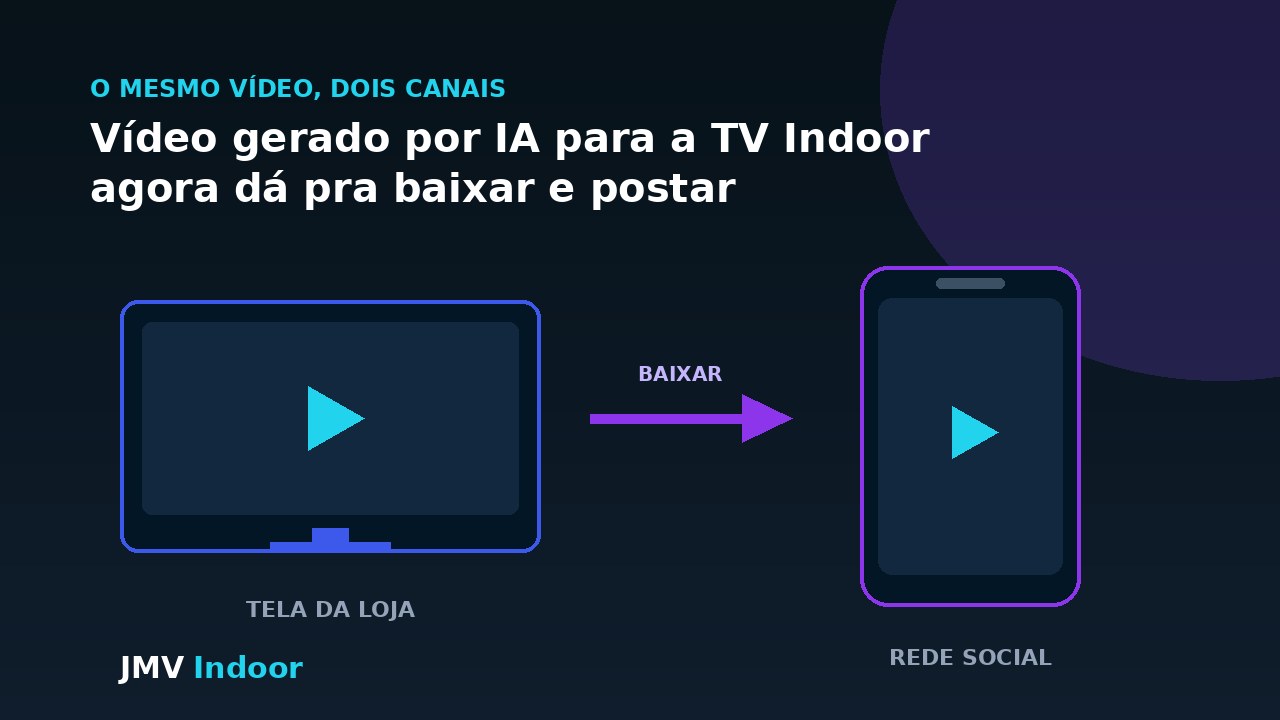
Indoor TV with AI: download the finished video and post it on the store's social media
The download feature reverses the flow: the clip the AI built for the screen now goes down to the store's Instagram. One piece of work, two channels.

Automate your indoor TV content without editing video
A standardized email that becomes a video and a phone shortcut that uploads the clip over FTP: two paths that cut manual editing out and put an end to the stale screen.

Indoor TV with a camera: how the screen changes what it shows in each aisle
Motion detection by aisle section, promos swapped in real time — plus the honest conversation about what is still a custom project and what data protection law demands of a camera in store.

Digital menu boards for restaurants: how an indoor TV replaces the printed menu
The screen in your dining room shows the dish of the day with ingredients, possible allergens, price and the house combo — and switches by itself between lunch and dinner, with no print shop.

Indoor TV for onboarding and lower staff turnover
Losing someone you just hired is expensive. See how to use the screen to deliver onboarding, culture and procedures on repeat — in retail and on the factory floor.

Indoor TV to train retail staff and standardize information
With high turnover and holiday hires, the screen becomes the single source of truth: promotions and payment methods identical for everyone, always in sight.
Indoor TV turned off: the real cost of a dark screen
Every minute the screen is dark is a customer who walked in with no sales prompt. See how to estimate the loss, the common causes and how to keep the screen on.

Indoor TV with Automatic News: always-fresh content, hands-free
Pick a portal and a category once; AI turns every new story into a narrated video, with captions and a QR code, and updates the TV on its own.

How to build an indoor TV app: DIY vs. the ready-made cloud route
What an indoor TV app needs, the real cost of building from scratch (code + hardware) and the no-code route — live in about 1 hour.
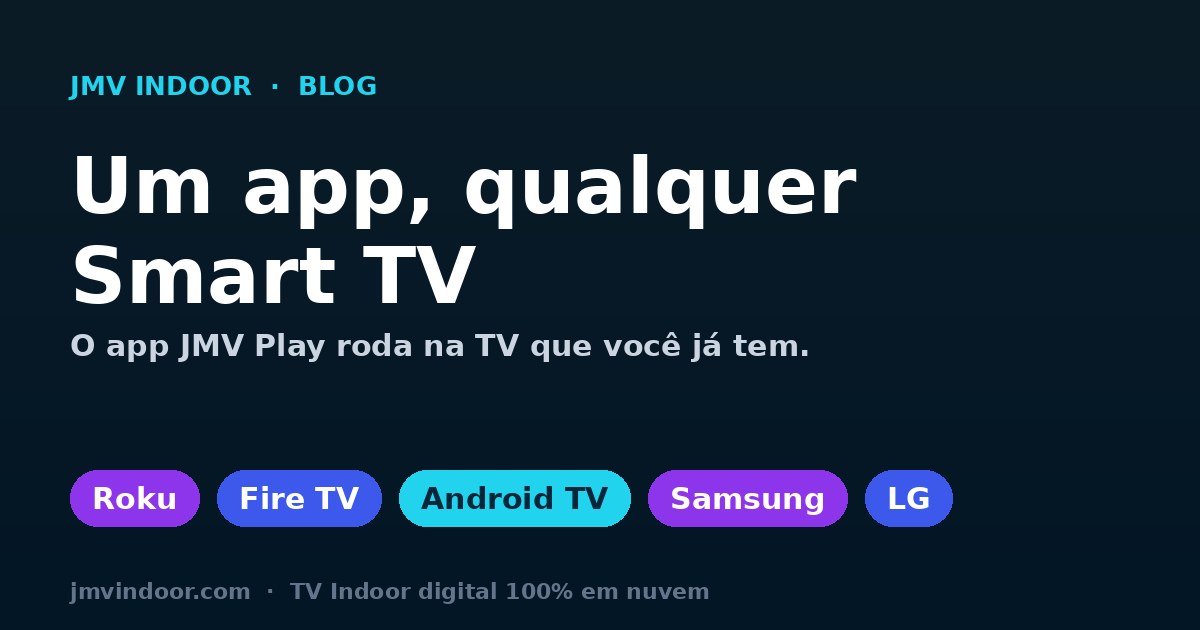
Indoor TV app for any Smart TV: Roku, Fire TV, Android TV, Samsung, LG, Apple TV and Chromecast
No expensive pro display needed: the JMV Indoor app runs on the main Smart TVs on the market. Use the Smart TV you already have — or a regular TV with Chromecast/TV Box — as indoor TV.

Schedule Indoor TV by time of day: the right content, at the right hour
Build the playlist and set the sequence and times from the cloud. One message in the morning, another in the afternoon — dayparting to serve each shift's audience. Profile is your strategy, not automatic recognition.

Indoor TV live in minutes, with 30 days free: activation without an installer
The panel is unlocked right away, with no credit card, and there is a 30-day free trial. Self-service, 100% cloud on a Smart TV — no installer, no construction.

Indoor TV with Instagram: post once and appear on the store screen
Connect Instagram once and your posts, reels and stories show up on their own on the Vertical Indoor TV. No rework — the feed drives the screen, mixed with your programming.

Manage your Indoor TV from your phone, from anywhere — 100% cloud
The programming lives in the cloud: change the store screen's playlist from your phone's browser, without going on-site or relying on IT. The TV app only displays; the online dashboard commands.

Indoor TV without a box: runs natively on your Smart TV
The standard definition says Indoor TV needs external hardware. With a native app, the Smart TV shows everything on its own — no box, mini-PC or pirate device.

Indoor TV for chains and franchises: multi-location management and monitoring
One account for every location: an independent playlist per screen, a dashboard with each screen's status and an automatic alert when a location goes offline.

Why your Indoor TV freezes or pixelates (and how to prevent it)
The technical prerequisites so the screen never fails: wired internet, the right resolution per screen size and an approved device (Roku, Fire TV Stick).

Upselling with Indoor TV: sales triggers and a segment playbook
How to use the screen as a silent salesperson to raise the average ticket — with a segment playbook (pharmacy, dental, 24h gas station) and 3 sales triggers.

End of the 6x1 shift in retail: how Indoor TV helps you serve with fewer hours
With Brazil's PEC 221/2019, each store will have fewer staffed service hours. See how the screen keeps communicating without adding headcount.

Vertical Indoor TV without a kiosk: use a regular Smart TV
Set up a vertical screen in your store with a regular Smart TV (Roku, Fire TV, Google TV) for a fraction of the cost of a dedicated kiosk.
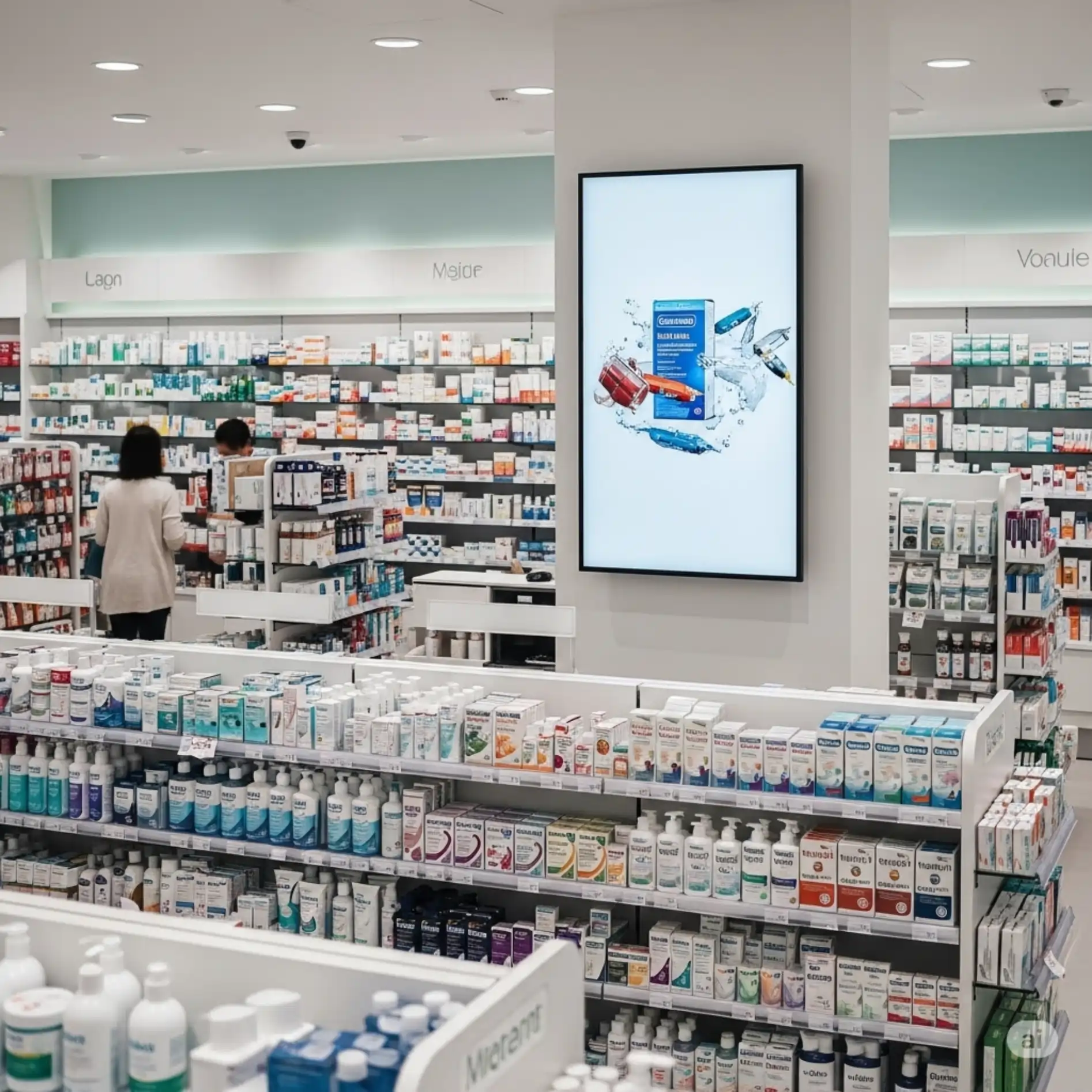
Indoor TV by store zone: what to show at checkout, the scale and the shelf
Each zone of the store has a different customer at a different moment. See how to segment programming by point, with distinct playlists from your phone.
Indoor TV with Artificial Intelligence: turn photos into videos
Upload photos in the app and AI generates automatic videos with captions for your TV — no editor, no agency.