
A digital menu board is a screen in the dining room — indoor TV, digital signage — used to display the menu instead of a printed board or flyer. Rather than showing the whole menu at once, it runs a playlist of short slides: dish of the day with a photo, main ingredients, possible allergens and intolerances, prep time, price and a cross-sell (a discount on the side dish, the dessert or the second plate). Content is updated from the cloud dashboard, with no print shop and no sticker taped over the old price, and it can switch by itself between lunch and dinner. It is not the same as a QR code menu, which opens on the phone of someone already seated: the screen talks to people who are still deciding.
The sale a printed menu loses every day
Every restaurant has a signature dish. And in almost every restaurant, a good share of customers have no idea what's in it.
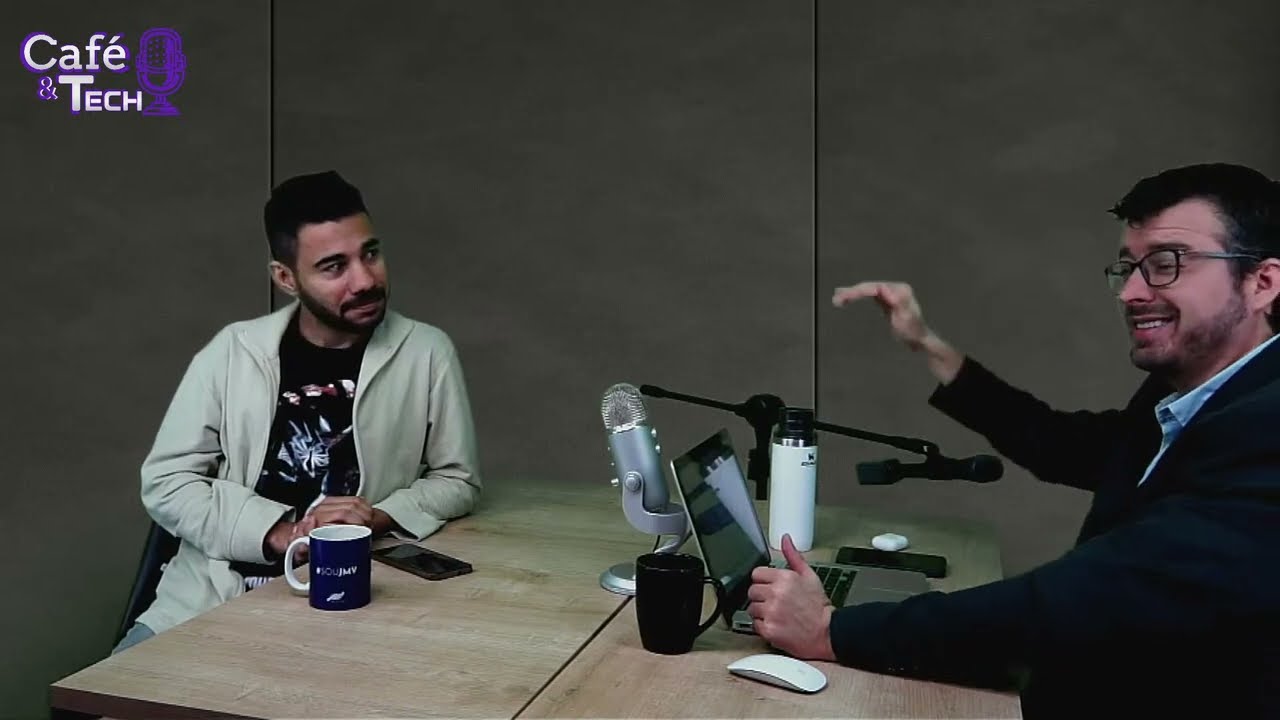
The name on the menu rarely explains anything: "house risotto", "chef's steak", "special platter". People in a hurry, people with a dietary restriction, or people who simply don't want to look fussy in front of their guest won't ask the server what comes with the dish — they order the usual, or the cheapest thing. That is exactly the point Josimar and Mário Sérgio raised in the Café & Tech episode on indoor TV business models: restaurants lose sales to missing information, not to poor food.
Three losses stack up there:
- The highest-margin dish doesn't get picked because nobody knows what it is.
- The customer with an intolerance gives up instead of asking — and, in doubt, orders the obvious item or doesn't come back.
- The side dish and the dessert never get offered at the right moment, because the server is busy with four other tables.
None of these losses shows up in the month-end report. They show up as a flat average ticket.
What to put on the screen (and what to leave out)
The most common mistake is turning the TV into a full menu in tiny type. Nobody reads it. The screen is a highlight medium, not a reference document: it shows few items, strongly, on rotation. A realistic restaurant playlist looks like this:
- Dish of the day: large photo, name, price and — the differentiator — what's actually in it.
- Featured dish card: main ingredients, possible allergens and intolerances, cooking method in one line ("oven-baked for 40 minutes, nothing fried"), average prep time.
- Cross-sell: the combo, the discount on a second plate, the dessert that costs less with the set lunch.
- Drinks and desserts: the high-margin, quick-decision items that almost never get offered out loud.
- House info: opening hours, payment methods, wi-fi, social accounts, whether you run your own delivery.
And one reading rule that prevents 90% of the problems: if a slide can't be read in five seconds from three metres away, it has too much on it. Short headline, a single supporting block of text, legible price. Sound doesn't count — a TV in a dining room runs muted, competing with conversation and kitchen noise, so everything has to work visually.
Ingredients and allergens: information nobody forces you to give
There is a regulatory detail here that often surprises restaurant owners, and it varies by country — check the rule that applies where you operate. In Brazil, Anvisa's RDC 26/2015, which made allergen declaration mandatory, applies to packaged food — including food packaged or portioned inside the food service itself. A meal served on a plate in the dining room is not covered by that labelling rule.
In other words, where it isn't mandatory, telling people on screen that the risotto contains cashews, that today's pasta contains gluten or that the dessert contains milk is a choice. And that is precisely why it works so well as a differentiator. Anyone with an allergy, an intolerance or a restriction at home immediately recognises the place that went to the trouble of saying so before being asked.
There's a welcome side effect: the dish card on screen cuts down the repeated question in the dining room. Servers stop explaining the same dish fifteen times a shift and spend that time serving. It doesn't replace the server — it takes off their plate the part a screen does better, which is repeating.
Cross-selling: the second item at decision time
Cross-selling is the easiest slide to build and the one that moves the ticket fastest: offer a second item with an advantage next to the main dish. "Order the set lunch and get dessert for less." "Second plate at a discount." "Lunch combo: main, juice and coffee."
In the podcast behind this article, the live example was a 6% discount on the second dish. Worth stating plainly: that number was only an illustration of the mechanism, said off the cuff in conversation — it is not a percentage practised, recommended or standardised by JMV. Every restaurant has its own margin, and the discount that makes sense in a buffet is not the one that makes sense à la carte.
What matters is the mechanism, and it is the same one behind the sales triggers for upselling at the point of sale we've broken down by segment: the offer has to appear before the decision, not after. A dessert offered once the customer has asked for the bill is a lost dessert; the same dessert on screen while they wait for the main course is a sold dessert. Restaurants are one more segment in that playbook — alongside pharmacies, clinics, supermarkets and petrol stations — with an advantage of their own: the customer is seated, looking somewhere, for long enough to be persuaded. At a pizzeria that window is even longer, with the table waiting for the oven — see indoor TV for pizzerias.
Lunch and dinner on the same screen
A restaurant is the most obvious case of content that changes face during the day, and it is what usually trips up anyone using posters: the set-lunch board is still there at 8pm.
With a time-based schedule, that stops being anyone's chore. One playlist starts at 11am — set lunch, daily plate, juices, lunch dessert; another starts at 6pm — sharing plates, à la carte, drinks list; at the weekend, a third one with the house special. It's the same logic we covered in scheduling your indoor TV by time of day and customer profile: you set it up once and the screen starts following the rhythm of the room on its own.
Add to that the fact that prices move with supplier costs. Changing a price on a printed menu means reprinting or, worse, taping a sticker over it. On screen, it's editing the item from the dashboard on your phone, anywhere — including from home, the night before, when the owner remembers that beef went up.
Practical setup: one smart TV, no kiosk
No project, no building work, no dedicated equipment. The minimum path for a restaurant that wants to start tomorrow:
- Pick the spot by waiting time. Wherever customers stand still looking for something to look at: the waiting line, reception, the order counter, the till area. A screen where nobody stops sells nothing.
- Use an ordinary smart TV with internet. Landscape or — better for a menu — portrait, the shape that mimics a wall menu and fits a narrow corridor. As we showed in portrait indoor TV without an expensive kiosk, the kiosk is furniture, not a technical requirement.
- Shoot the dishes with a phone. Natural light, the plate presented the way it reaches the customer, a clean background. A real photo of your own food converts better than stock imagery — and avoids the disappointment of a dish that looks nothing like the picture.
- Build six to ten slides per period, on a two to three minute loop. Too long a playlist brings the highlight back too late.
- Set the time slots (lunch, dinner, weekend) and let it run.
- Review it weekly. Dishes that left the menu, prices that changed, promotions that ended. An out-of-date digital menu is worse than a printed one: customers will hold you to the price on the screen — and they're right.
Don't confuse it with a QR code menu
Search for "digital menu for restaurants" and most of what comes up isn't a screen at all: it's QR code menu platforms, built so the customer opens the menu on their own phone, already seated, and sometimes orders from it. That's a different product category with a different goal.
| Screen in the room (indoor TV) | QR code menu | |
|---|---|---|
| Where it shows | Queue, counter, reception, dining room | Customer's phone, at the table |
| Who it reaches | People still deciding | People seated and about to order |
| What it does well | Highlight a few items strongly | List the entire menu |
| Goal | Create desire and the second item | Browse and place the order |
The two coexist well, and most restaurants that invest in a screen keep a detailed menu — printed or by QR code — for the order itself. The difference is that the screen works one step earlier: at the choosing stage.
Plans, free trial and how to start
JMV Indoor's indoor TV is 100% cloud-based digital signage: it runs on an ordinary smart TV connected to the internet, with no USB stick, no dedicated computer and no kiosk, with the playlist and schedule managed from the online dashboard.
| Plan | Who it's for | Price* |
|---|---|---|
| Start | Great for getting started | see current pricing |
| Pro | Small and medium businesses | see current pricing |
| Extra screen | Expanding to more screens | see current pricing |
*Prices in force in August 2026. Always check the current plan table at jmvindoor.com, as prices may change.
There's a 30-day free trial, one screen, no credit card — enough time to photograph the dishes, build the lunch and dinner schedules and compare two weeks of average ticket against the two before.
Prefer to listen first? Watch the full Café & Tech episode on indoor TV business models on YouTube (in Portuguese).
In the end, a digital menu board solves a small, stubborn problem: the customer who doesn't ask. Questions about the product? Talk to us through the contact form or read our Privacy Policy.