
Automating indoor TV content means removing the manual steps between the person who has the information and the screen that will show it. Two mechanisms do that without anyone opening a video editor: a standardized email, sent to a configured address, is converted into a video clip that enters the playlist; and a phone shortcut, connected over FTP to the platform, sends a freshly recorded clip straight into the account's media library. In both cases editing, format conversion and manual dashboard uploads simply stop existing. What stays human is deciding what to communicate and approving what goes on screen.
The real bottleneck: four steps for one notice
When an indoor TV goes stale on the wall, the usual diagnosis is "we ran out of content". It almost never is. HR has the announcement, the manager knows which product needs to move, the supervisor saw the queue grow. What is missing is a path.
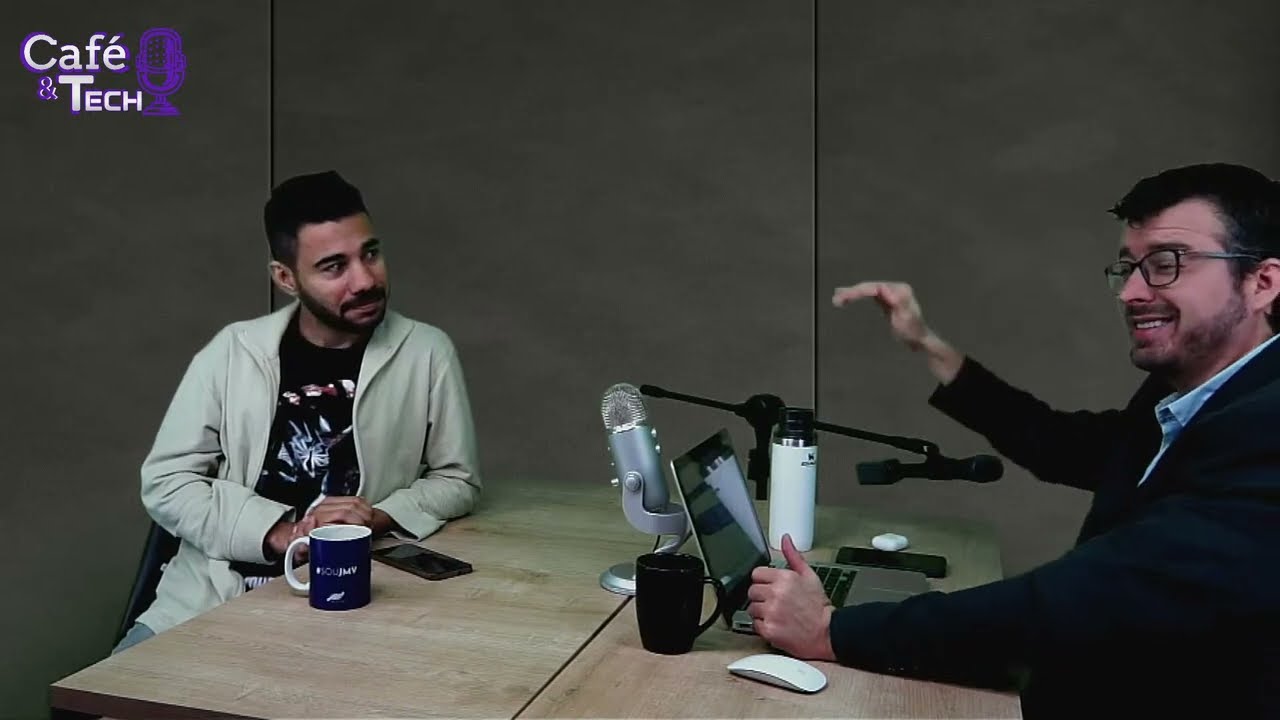
The "Podcast Tv Indoor 1" episode, from Café & Tech, describes that path in the exact order it happens: grab the video, convert the video, upload the video to the dashboard, schedule the video. And it closes with the line that sums the problem up — it drags on, it turns into cost.
Notice that none of those four steps is about what to communicate. They are all transport. That is why automation pays off so well here: it does not replace judgement, it removes paperwork. The person who has the information can now put it on screen without depending on a second person with dashboard access and the patience to convert a file.
Mechanism 1: the email that becomes a video
The first mechanism starts from a simple observation: everyone at the company already knows how to send an email. Nobody has to learn a new tool.
It works directly. An email in a standardized format is sent to a configured address; the content of that email is automatically converted into a video file, which enters the indoor TV playlist. No editor, no export, no upload.
The example given in the podcast is corporate HR: instead of having someone produce a piece to announce a change in cafeteria hours, HR writes the short text itself and it shows up on screen.
It is worth understanding why a short limit exists at all, whatever its value: the resulting piece is shown on a screen seen in passing, from metres away, by someone who will not stop to read. Short text is not a tool limitation, it is a property of the medium. A long announcement on an indoor TV does not get read even when it fits.
Mechanism 2: the phone shortcut over FTP
The second mechanism handles the case where the information is not text but a scene: the product on the shelf, the window display, the message recorded by the manager.
The setup uses the iPhone Shortcuts app — the same one many people use for home automation — configured to connect to the platform's FTP. In practice:
- The person records a short clip on their own phone, where the thing is happening.
- They trigger the shortcut, which already knows the address and the credential.
- The file uploads to the server on its own.
- It shows up in the account's media library, ready to be scheduled.
The gain is about distance, not only time. As it was put in the episode, the employee does not have to walk over to whoever manages the TV, nor send the file through a second channel for someone else to forward. It goes up directly and appears in the library of the person building the playlist.
Who actually uses this
Internal communication (corporate TV)
This is the HR scenario. Companies past a few dozen employees have a chronic internal communication problem: the announcement goes out by email and disappears in the inbox, goes up on the noticeboard and nobody stops in front of it. The screen in the hallway or the cafeteria works as one more touchpoint — and it only plays that role if it is up to date. With email-to-video, updating no longer depends on someone having spare time. This use case connects directly with onboarding new hires through indoor TV, where content repeats and changes often.
Retail (the stocker at the shelf)
The second scenario belongs to whoever is on the floor. The stocker is the first to see the product whose expiry date is approaching, and the gap on the shelf. With the phone shortcut, they record a short clip right there, in front of the product, tap the button, and the file lands in the library. None of those steps requires leaving the aisle.
This path is also the cheap step before any sophisticated targeting project: while indoor TV with a camera and aisle-targeted content is a bespoke project with integration and a legal layer, the phone shortcut solves the most common bottleneck — slowness to update — at practically zero cost. And if your pain is approving content while away from the store, the natural complement is managing indoor TV from your phone.
What this is not (and what stays out)
Content automation has become an umbrella for quite different things. It is worth separating them, because each solves a distinct problem and they add up rather than compete.
| Mechanism | Which problem it solves | Where the content comes from |
|---|---|---|
| Email to video · FTP shortcut (this article) | Transport: how content reaches the screen without editing | From someone inside the operation |
| AI video generation from photos | Production: how the piece is created without an editor | From raw material, such as product photos |
| Automatic news from partner outlets | Filling: how the screen never goes empty | From an external, continuous source |
The three form the same cluster — content without manual effort — attacking different points of the same chain. A mature operation tends to use all three: partner news fills the base of the schedule, AI assembles the product piece, and the phone shortcut injects whatever is urgent and local.
And there is what stays out, which is worth stating plainly: delivery automation does not decide what to communicate, does not write the promotion, and does not replace the judgement of whoever publishes. It shortens the distance between the decision and the screen. The decision remains human work.
What to set up before switching it on
Neither mechanism is plug-and-play. The steps are few, but they exist:
- Credential and pre-authorization. FTP access has to be created and handed to whoever will use it. The podcast states this explicitly: you have to pre-authorize the person and pass along the access details. Treat that credential as system access, not as a wi-fi password.
- The shortcut, once per phone. The automation is built on each person's device. It takes a few minutes, but it is individual — and it is worth documenting the steps so you do not depend on whoever built the first one.
- A file naming convention. The library will receive material from several people. Without a simple naming pattern, someone will spend time guessing what each clip is — exactly the time the automation just saved.
- Agree on who publishes. A file landing in the library is not the same as it going on screen. Define who approves, and how quickly, so the process does not stall at the last metre.
- Format and audio. Record in the same orientation as the screen, and assume nobody will hear it: indoor TV runs without sound in the overwhelming majority of venues. Anything essential has to be visible in the image.
To assess automated delivery in your own scenario, reach us through the contact form. This article covers only the delivery-automation angle. The full episode covers indoor TV business models by segment — watch the complete "Podcast Tv Indoor 1" on YouTube.
To sum up: a stale screen is rarely a content problem, it is a path problem. An email that becomes a video and a shortcut that uploads the file on its own are not sophisticated features — they are operational shortcuts that give the person holding the information the ability to put it on screen the day it matters. On how we handle data on our side, see the Privacy Policy.
For a dental practice that already posts on Instagram, the full route is in waiting room TV for dental offices.