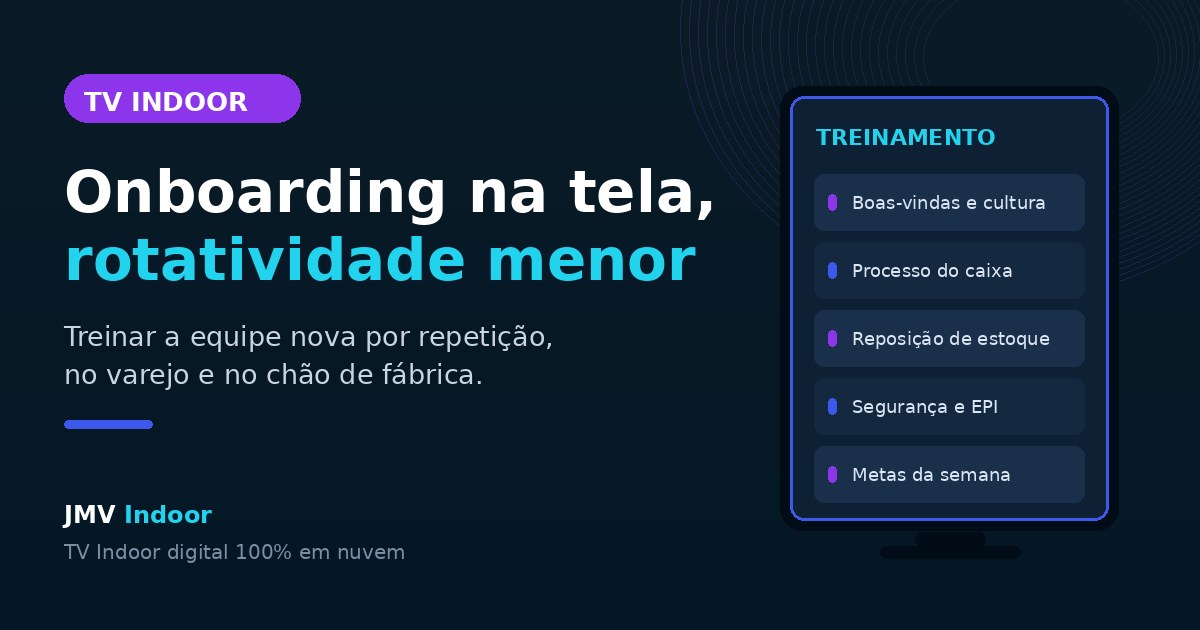
Indoor TV is a digital screen installed inside the premises, managed from the cloud, that plays content in a playlist. Used for onboarding, it stops being just customer media and becomes an internal training channel: welcome video, company mission and values, operating procedures, how to use the internal system, safety rules and PPE requirements, targets and campaigns. Because the content runs on repeat throughout the shift, a new employee is exposed to it dozens of times a day and reaches autonomy faster — without consuming hours of an experienced colleague explaining the same thing to every new hire. Fewer people lost in their first month usually means lower turnover.
What it costs to lose someone you just hired
Hiring is already hard. Finding someone willing to work at the counter, at the till or on the production line, training that person and watching them leave within 30 days is the silent nightmare of any retail or service operation. And the cost of that cycle is rarely calculated properly.
The figures circulating in the market help to size it. According to Robert Half (2025), replacing an employee can cost between 50% and 200% of the position's annual salary (figure cited in the podcast behind this article — still to be confirmed against the primary source). For a role paying R$ 2,000 a month, that means something around R$ 8,000 per replaced vacancy. Gallup (2025) points the same way from the other side: only 12% of employees think their company does a good job of onboarding — the other 88% learn on their own, by trial and error (figure cited in the podcast — to be confirmed). And there is the most repeated statistic on the subject: good onboarding would increase by up to 69% the chance of someone staying three years at the company (quoted in the podcast without a named source — to be confirmed).
Even treating those three numbers with due caution, the mechanism behind them is easy to recognize in practice: the real cost of replacement is not in the salary, it is in the learning curve. It is the time until the person solves things on their own, well, without pulling an experienced colleague aside for every question. Until that happens, you are paying two salaries for one person's work.
And there is the side effect almost nobody measures: someone who joins and spends the first week lost — asking people who are busy, hearing "go ask someone who knows", feeling disposable — starts looking for something else before the month is out. Early exits are rarely about pay. They are about not having been welcomed.
Why repetition beats the handbook
Everyone has seen it: the store prints a procedures handbook, hands it to the newcomer on day one and never mentions it again. It does not work — not out of laziness on the reader's part, but because a single exposure fixes nothing.
Teaching methods built on daily repetition exist precisely for this reason: the content is short, it comes back every day, and retention comes from frequency rather than from the depth of any single exposure. It is the same reason people learn song lyrics they never studied — hearing them repeatedly is enough.
A screen running on the floor does exactly that with company content. The employee in that section is exposed dozens of times over the shift to the same information, while working. Within a week, it has stuck. And there is a gain the handbook and the colleague-as-trainer cannot offer: the message does not get distorted. When one employee teaches another, every relay adds or loses a detail. The video always delivers the original version, to everyone, exactly as the company defined it.
The onboarding schedule that fits on a screen
The most common mistake is thinking "training on TV" means turning a whole course into video. It does not. The screen is good for short, visual, recurring blocks. A realistic schedule looks like this:
- Named welcome: a short video introducing the company and naming whoever joined that week. It costs almost nothing and changes how arrival feels.
- Mission, vision and values in practice: not the plaque on the wall, but examples of what the house expects — how customers are greeted, what is not done here.
- Operating procedures: opening and closing the till, stock replenishment, shelf organization, shift routine.
- How to use the internal system: the POS screen, the path of a return, where to look up a price. A screen recording already does the job.
- Customer approach styles: what to say at the door, how to offer, how to close the interaction.
- Workplace safety and PPE: what is mandatory, where it is kept, what to do in case of an incident.
- Targets, campaigns and recognition: the week's target, who hit it, employee of the month, career paths.
Note that almost everything on that list is stable content: you produce it once and it serves every future hire. That is the opposite of the promotions block, which changes every week.
Another practice that works well: ask for suggestions from whoever was just trained. The person who went through the content yesterday knows exactly where it was unclear — and is usually the best person to record the next version.
Factory floor: the audience nobody serves
Almost every conversation about indoor media assumes a customer looking at the screen. There is a whole scenario where that does not apply: the fully internal areas of a factory or distribution centre — canteen, locker room, break room, production corridor. There is no customer there at all. The entire audience is your team.
And that is precisely where internal communication tends to be worst: a corkboard with yellowed paper, a memo nobody read, a safety briefing that happened eight months ago. A screen in the canteen solves much of that, because it reaches people at a moment when they are stopped and available:
- safety rules and mandatory PPE, on a permanent cycle;
- shift handover procedures and traffic rules for the area;
- production indicators — days without accidents, monthly target, performance per line;
- HR announcements: benefits, internal campaigns, calendar, openings for internal promotion.
For workplace safety specifically, repetition is not a cosmetic detail — it is the mechanism. A rule that only appears in the induction training is a dead letter three months later; a rule that shows up every day in the canteen stays alive.
Where operational information ends and onboarding begins
It is worth separating two uses that look alike but are not. We have already written here about using the screen to standardize operational information and support seasonal retail staff — price, current promotion, payment method, return policy. That content exists so nobody gets today's data wrong; it is short, changes every week and serves both sides of the counter.
What this article covers is the layer beneath: forming the person, not just informing them. Culture, procedures, safety, how to use the system — stable content that changes little and builds autonomy over months. The two live in the same playlist and reinforce each other: operational information prevents today's mistake; onboarding prevents this quarter's resignation.
| Operational information | Onboarding and culture | |
|---|---|---|
| Goal | Not getting today's data wrong | Forming whoever just joined |
| Update frequency | Weekly or daily | Stable for months |
| Audience | Staff and customers | Staff only |
| Examples | Promotion, installments, returns | Values, procedures, PPE, system |
There is also a third use, at the till, halfway between the two: the screen reminds the operator to ask the right question at the right moment. It is the same reasoning behind add-on sales triggers at the point of sale — training a behaviour through a constant reminder instead of expecting people to remember on their own.
And once onboarding is over? The already trained employee runs into a different problem — the hours when the store is empty and there is nothing to do. That angle, with the three content fronts that fill idle time, is in the article on how indoor TV engages the team and ends idle time.
How to set it up in practice
It requires no project, no production company and no training department. JMV Indoor's indoor TV runs 100% in the cloud on a regular Smart TV connected to the internet, and everything is managed from the online dashboard. The minimum path:
- List the five questions that eat most of your team's time. Those become the first videos. Start with what hurts, not with the org chart.
- Record short. One to two minutes per topic, filmed on a phone. Training content does not need production values — it needs clarity and to actually be on air.
- Size the playlist by dwell time at that point. In an aisle where the customer spends two or three minutes, a ten-minute cycle is plenty; in the canteen, longer content fits.
- Choose the point by audience. Sales floor and till mix staff and customers; canteen, locker room and stockroom are exclusively internal — there the content can be entirely HR and operations.
- Close the loop with a conversation. Agree with the new hire: "your training plays on that screen; on Friday we will talk about what you understood." Without that check it is media; with it, it is training.
- Update through the cloud. When a procedure changes, you swap the item in the dashboard and every point starts showing the new version at the same time.
It is worth remembering that this gain speaks to a bigger trend in the sector — that of keeping service standing with fewer staff hours on the floor. There the question is working hours; here it is retention. In both cases, the more operational knowledge lives on the screen, the less the operation depends on always having the right person in the right place.
How to tell whether it is working
Training on screen has a reputation for being hard to measure, but there are simple, honest indicators within any manager's reach:
- Days to autonomy: how long the new employee takes to work a shift without pulling a colleague aside. Note it before and after.
- Turnover in the first 90 days: that is the window where onboarding weighs most. If early exits drop, the effect is real.
- Interruptions to the experienced employee: just ask them. They know exactly whether they are being pulled aside less often.
- Recurring procedural errors: a return processed wrong, a till closed off-standard, PPE forgotten.
One operational detail that tends to slip by: a screen that is off trains nobody. If the point spends the day dark because someone forgot to switch it on, this whole article becomes theory — which is why it pays to monitor point status and follow up when one drops, a subject we covered in the cost of an indoor TV left switched off.
Plans, free trial and how to start
JMV Indoor's indoor TV runs on a regular Smart TV connected to the internet, landscape or portrait, with no kiosk, no USB stick and no dedicated computer. You start with one point and scale as needed:
| Plan | Who it's for | Price* |
|---|---|---|
| Start | Great for beginners | see current pricing |
| Pro | Small and medium businesses | see current pricing |
| Additional point | Expand to more screens | see current pricing |
*Prices in effect as of August 2026. Always check the current plans table at jmvindoor.com, as prices may change.
There is a 30-day free trial, with one point and no credit card — enough time to record the first five onboarding videos, put them on air and see how the next person you hire copes better in their first week.
Put your team's onboarding on the screen
Start the 30-day free trial and build your team's onboarding schedule. Prefer to watch first? See the full Café & Tech episode on the topic on YouTube.
Indoor TV is an application of digital signage — and one of its most underrated uses does not face the customer at all, but the people working on the other side of the counter. Questions about the solution? Talk to us through the contact form or check our Privacy Policy.