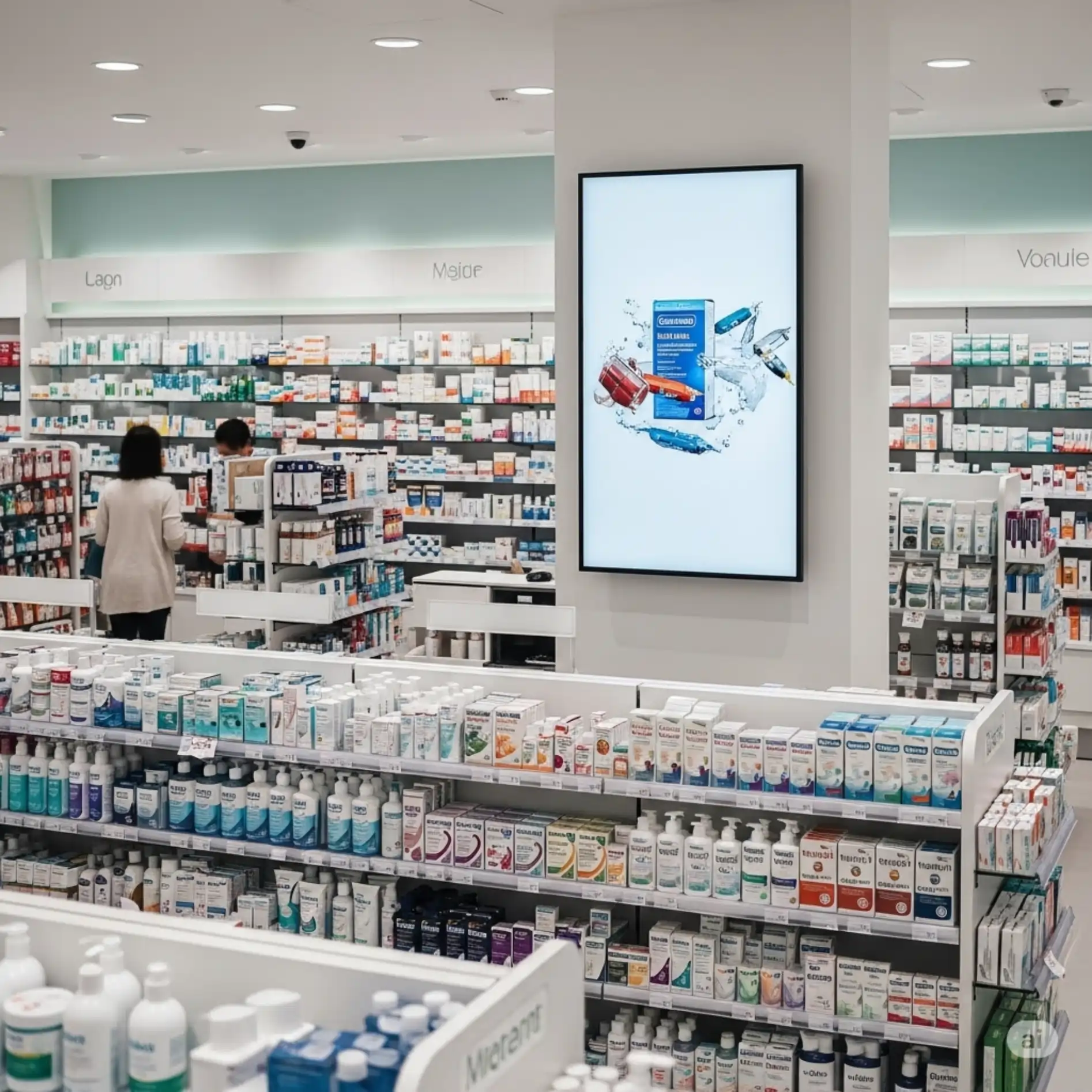
Indoor TV with artificial intelligence is the feature that turns photos into videos automatically to display on your store's screens. With JMV Indoor, you upload the photos through the app, in whatever order you like, and the AI generates a video of 20 seconds to 1 minute — with zoom, depth and animated captions — calculating the length based on the caption. All from your phone, with no editor, no agency and no swapping USB drives on the TV.
Why most store TVs end up on a landscape loop
Anyone who invests in an Indoor TV almost always runs into the same problem: once it's installed, the screen ends up stuck on an endless loop of scenery, YouTube or a broadcast channel. Not because the technology failed — but because nobody has time to produce new video every week. The lack of updated content is, in practice, the number one reason people get discouraged with indoor media.
The cost of this is high. The business spent on marketing, traffic and creatives to bring the person into the store — and, at the very moment they're inside, ready to buy, the screen communicates nothing. The best customer is the one already at the point of sale; an idle screen wastes exactly that attention. This is the bottleneck that artificial intelligence comes to solve.
How AI generates video from photos, step by step
The idea is simple: instead of hiring an editor or relying on an agency, the store owner turns photos into video in just a few taps. The flow in the JMV Indoor app goes like this:
- Gather the photos. They can be photos taken on the spot with your phone or the same artwork you already use on Instagram and Stories — especially the vertical ones.
- Upload them in the app, in whatever order you like. One photo or several; you set the sequence.
- AI builds the video automatically. It generates a video of 20 seconds to 1 minute with zoom, depth and effects, plus an animated caption (color and position configurable). The system calculates the minimum length of the video according to the caption text, so the reading is never cut off.
- Publish straight to the TV, from your phone. The same device you took the photo with sends the content to the screen — with no need for a designer available at all times.
What was already there: Content, with automatic news and content
AI video generation is the new part, but it doesn't replace what was already helping store owners before: Content. It delivers real-time news, pulled from portals you select and categorize (G1, R7, regional portals), plus timeless content already segmented by niche — pharmacy, beauty salon, barbershop, dentist. You pick the category once and each new piece of content drops into the playlist on its own, with no need to update manually.
In practice, the two features add up: Content keeps the screen "alive" with third-party content, and AI from photos lets you create your content — promotions, before and after, notices — whenever you want.
A real retail case: the beauty salon
The feature was born from a real request by a client: a beauty salon that installed a 42" TV vertically to display photos of procedures, with captions and "before and after" comparisons.
The important point of the case isn't the number, but the mechanism: a screen well positioned in the customer's flow, with its own updated content, stops being decoration and starts working as a silent salesperson — educating about procedures and presenting complementary products at the right moment.
Plans, free trial and how to get started
JMV Indoor's Indoor TV runs 100% in the cloud, on a regular Smart TV connected to the internet — no kiosk, no USB drive and no dedicated box. You can start with a trial and scale by points as your store needs:
| Plan | Who it's for | Price* |
|---|---|---|
| Start | Ideal for beginners | R$ 49,90/month |
| Pro | Small and medium businesses | R$ 89,90/month |
| Additional point | Expand to more screens | from R$ 19,90/month per point |
*Prices in effect as of July 2026. Always check the updated plans table at jmvindoor.com, as prices may change.
There is a 30-day free trial, with 1 point and no credit card — enough to validate the idea in your own store. And you don't even need an expensive kiosk: you can reuse a regular Smart TV in the vertical position, with no dedicated kiosk.
Want to see the AI building a video in practice?
Activate the 30-day free trial and try it with your own photos. Prefer to watch first? See the full Café & Tech episode about the feature on YouTube.
Indoor TV is a form of digital signage applied to the point of sale — and, with AI content generation, it stops being a production cost and becomes a tool that any store owner can maintain on their own. Questions about the solution? Talk to us through the contact form or check our Privacy Policy.
This article is part of a series on Indoor TV in retail. See also how to prepare the store for the end of the 6x1 shift with Indoor TV, keeping service running with fewer available hours.